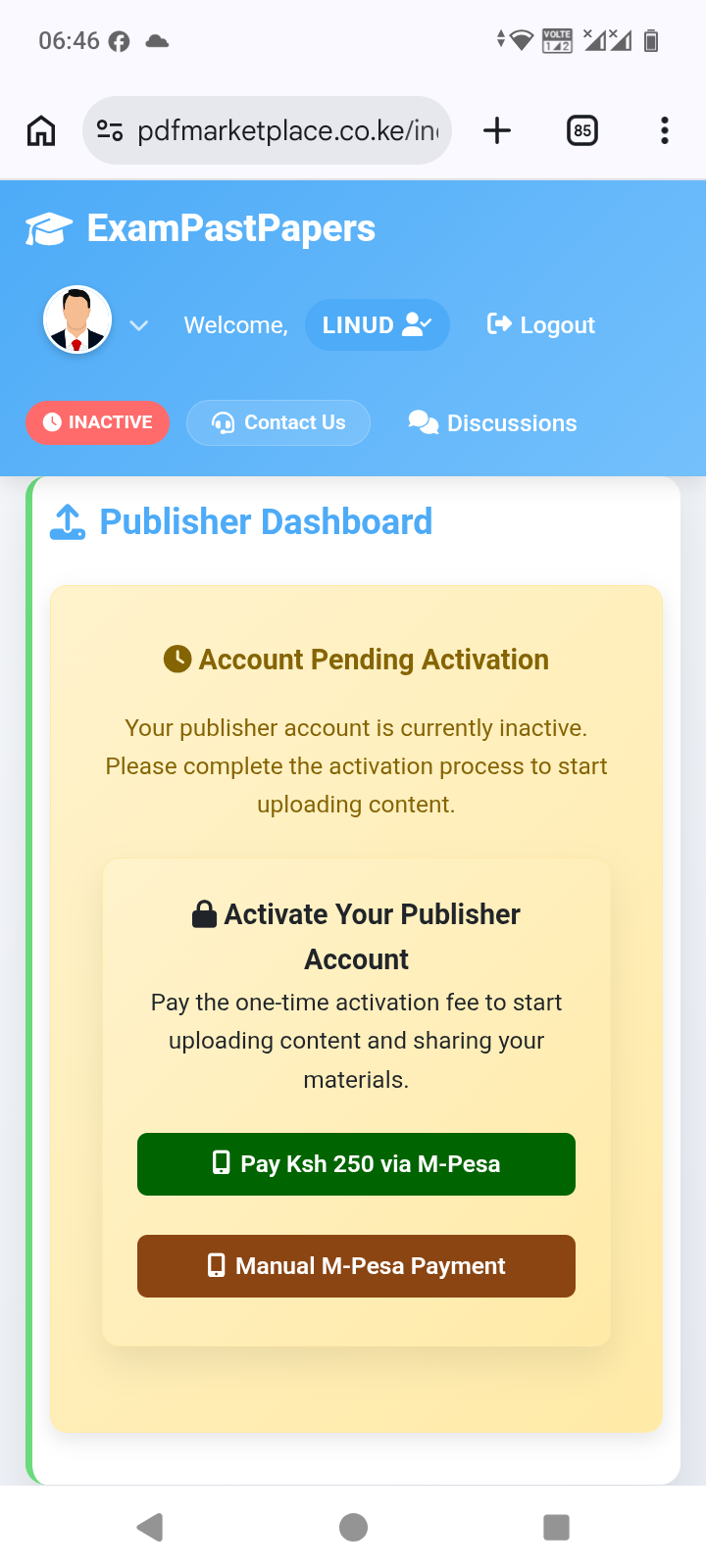
To activate your publisher account and begin uploading your notes, please follow the steps below:
1. Regist or Log in to your publisher account using this link https://pdfmarketplace.co.ke
Go to the publisher login page or sign up page and sign in or regist with your registered credentials.
2. Locate the activation section
On your Publisher Dashboard, you will see a notice: “Account Pending Activation.”
3. Pay the one-time activation fee
Click “Pay Ksh 250 via M-Pesa.”
· Enter your M-Pesa registered phone number.
· Click Send Payment Request.
· Check your phone for the M-Pesa prompt and enter your PIN to confirm.
· Wait 10–30 seconds for confirmation.
4. Refresh your account
Once payment is confirmed, please log out and log in again so your account status updates automatically.
5. Complete your account setup
After activation, you will be asked to:
· Add your phone number.
· Set an access code for your notes.
· Read and agree to the Publisher Terms of Service.
6. Upload your notes
Scroll to “Upload New Notes.”
· Enter a title and description.
· Select a PDF, DOC, or DOCX file (maximum 5 MB).
· Submit the form for review.
Important notes:
· The activation fee is KSh 250 one-time — it is not a subscription.
· Basic publishers can upload 1 paper. Premium publishers can upload unlimited papers.
· If the automated M-Pesa payment fails, you can use Manual M-Pesa:
· Go to M-Pesa > Lipa na M-Pesa > Buy Goods and Services
· Till Number: 8766206
· Amount: KSh 250
· After payment, email the M-Pesa confirmation to support@pdfmarketplace.co.ke
If you experience any issues, please contact our support team: